Career
GitHub Tips for Developers: Workflows, Shortcuts, and Habits That Level You Up
Master GitHub: profile as portfolio, feature branch workflows, commit conventions, PR templates, GitHub Actions CI/CD, CLI commands, fork sync, keyboard...
Published 2026-05-17 by Aditya Mandal.
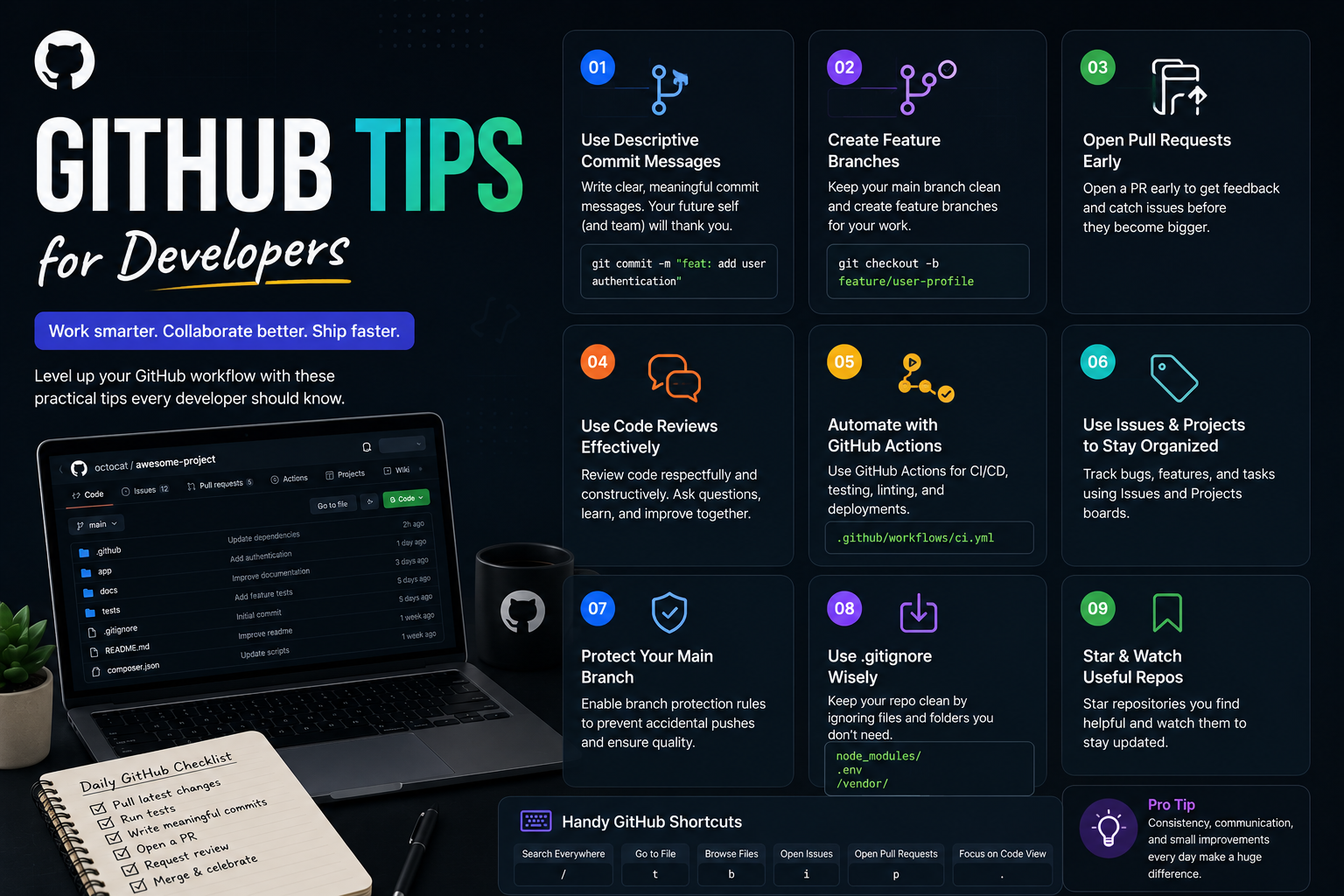
GitHub Tips for Developers: Workflows, Shortcuts, and Habits That Level You Up For a lot of developers, GitHub starts as a place to push code and ends there. You create a repository, you run git push, and you move on. But GitHub is far more than a hosting service — it is a version control platform, a code review system, a CI/CD runner, an issue tracker, a project management surface, a portfolio, and the default place where the open-source world collaborates. The developers who stand out on their teams and in the wider community are almost always the ones who have learned to use GitHub as a tool rather than just a destination. They write cleaner history, open better pull requests, automate the boring parts, and make their work discoverable. Mastering GitHub makes you a better collaborator in concrete, measurable ways. Good commit messages and well-structured pull requests reduce the number of rounds a review takes. Rebasing and squashing keep a shared branch readable, so a bug introduced three months ago can be found with git bisect instead of an archaeology expedition. GitHub Actions catches regressions before they reach main, the CLI turns five clicks into one command, and a polished profile turns a link in your resume into an actual artifact. None of this requires arcane knowledge — it requires habits and a working knowledge of the commands and features that already exist. This article is a practical, code-first tour of the workflows, shortcuts, and habits that separate a GitHub user from a GitHub power user. Every section includes real commands and examples you can copy, adapt, and run. Work through it in order or jump to the section you have been avoiding — the goal is to leave with something you can apply to your next repository today. Setting Up Your GitHub Profil