AI Development
Integrate OpenAI API into Laravel: A Practical Guide to AI-Powered Features
Integrate the OpenAI API into Laravel 12: SDK setup, chat completions, chatbot with context, function calling, embeddings for semantic search with pgvector,...
Published 2026-06-01 by Aditya Mandal.
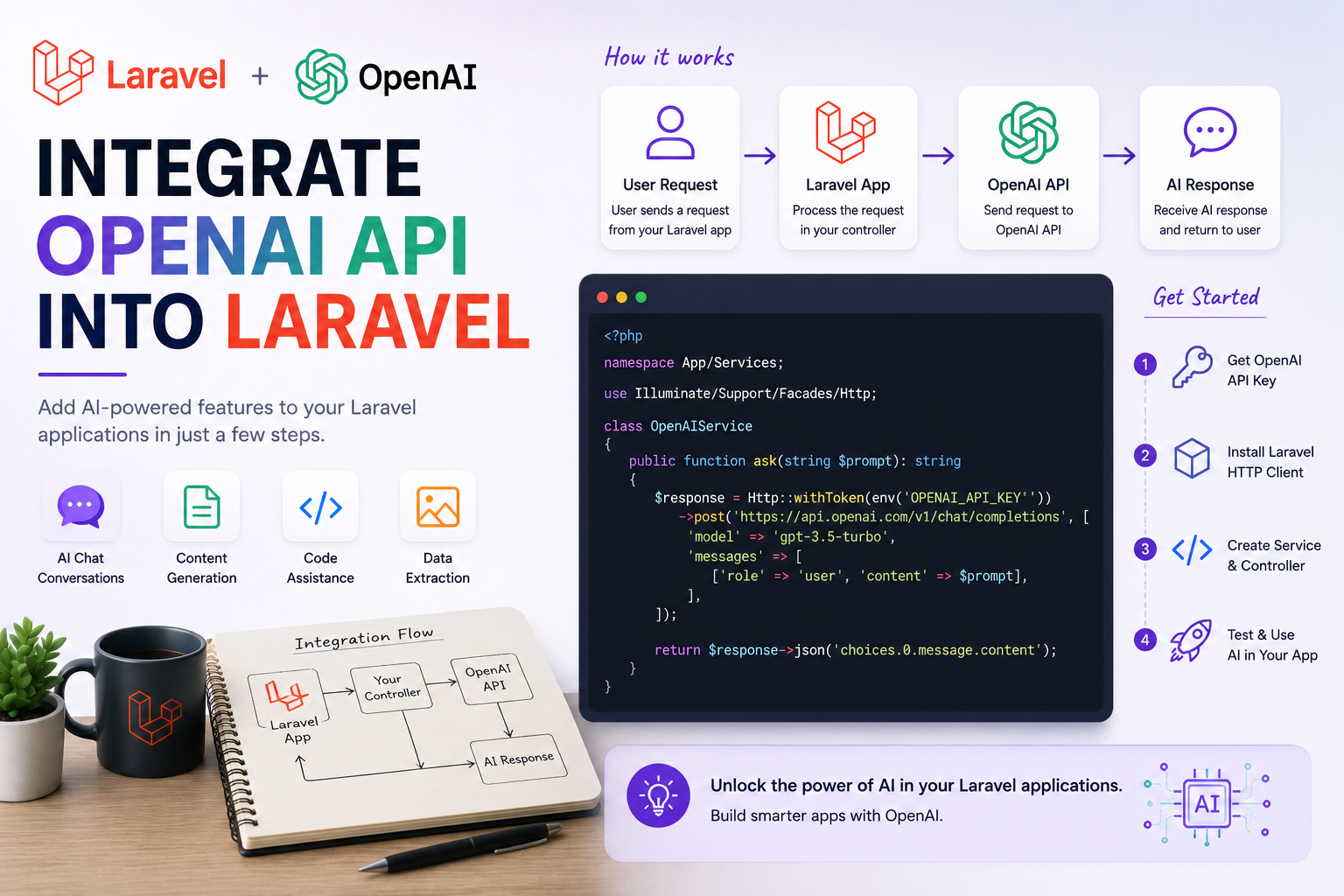
Integrate OpenAI API into Laravel: A Practical Guide to AI-Powered Features Adding AI to a Laravel application used to mean bolting on a fragile script that called a third-party endpoint and hoped for the best. The OpenAI API has matured into a stable, well-documented platform that powers real production features — chatbots that hold a conversation, semantic search over your own content, automated text classification, image generation, and assistants that can call your application's own functions. In 2026, with the OpenAI PHP SDK and Laravel 12's clean service-container architecture, wiring these capabilities into a Laravel app is straightforward, testable, and production-safe. This guide is practical, not theoretical. We will install the OpenAI PHP SDK, configure it securely, build a chat completion service class, create a chatbot controller that maintains conversation history, explore function calling so the model can trigger your own code, generate text embeddings for semantic search, store and query them with pgvector, handle rate limits and errors gracefully, and stream responses to the browser with Server-Sent Events. Every section ships with copy-paste-ready code you can drop into a Laravel 12 project today. The goal is not a toy demo. By the end you will have the building blocks for an AI feature layer that is decoupled from your controllers, easy to mock in tests, resilient when the API hiccups, and ready to scale. Let's start with installation and configuration. Installing and Configuring the OpenAI PHP SDK The cleanest way to use OpenAI from Laravel is the openai-php/laravel package. It is a community-maintained wrapper around the openai-php/client SDK that publishes a config file, registers a facade, and integrates with Laravel's container — so you get depen
https://adityamandal.dev/blog/integrate-openai-api-into-laravel/